
AI Doctor's Note Generator: How Clinics Can Create Better Notes (Faster) With Conveyor AI
Learn how an AI doctor's note generator can streamline work/school notes and visit letters, while protecting privacy. See best practices with Mobius MD's Conveyor AI.



Popular articles
Key takeaways
- A doctor's note is a clinical document and should be generated from verified encounter details—not guesswork or generic text.
- Privacy matters: share only what's needed, especially when notes are used for work or school.
- AI helps most when it reduces re-typing and standardizes templates, while still requiring clinician review and sign-off.
- Conveyor AI drafts documentation during the visit and supports customizable templates and dictation, which can speed up letters and excuse notes as part of the workflow.
- Ethical use is non-negotiable: AI should support legitimate care and documentation—not enable forged notes.
"Can you write me a note for work?" It's one of the most common requests in healthcare—and one of the easiest to underestimate.
A simple doctor's note can turn into a mini-project: confirm dates, avoid oversharing, clarify restrictions, format it correctly, export to PDF, and get it into the patient's hands quickly. Multiply that by a full clinic day, and you've got a real time sink.
That's where an AI doctor's note generator can help—when it's designed for clinical reality and used ethically. Tools like Mobius Conveyor AI highlight what's possible with templates, customization, compliance, and export options. But in day-to-day practice, the biggest win comes when note generation is connected to the encounter itself—so the note reflects what actually happened, with minimal extra work.
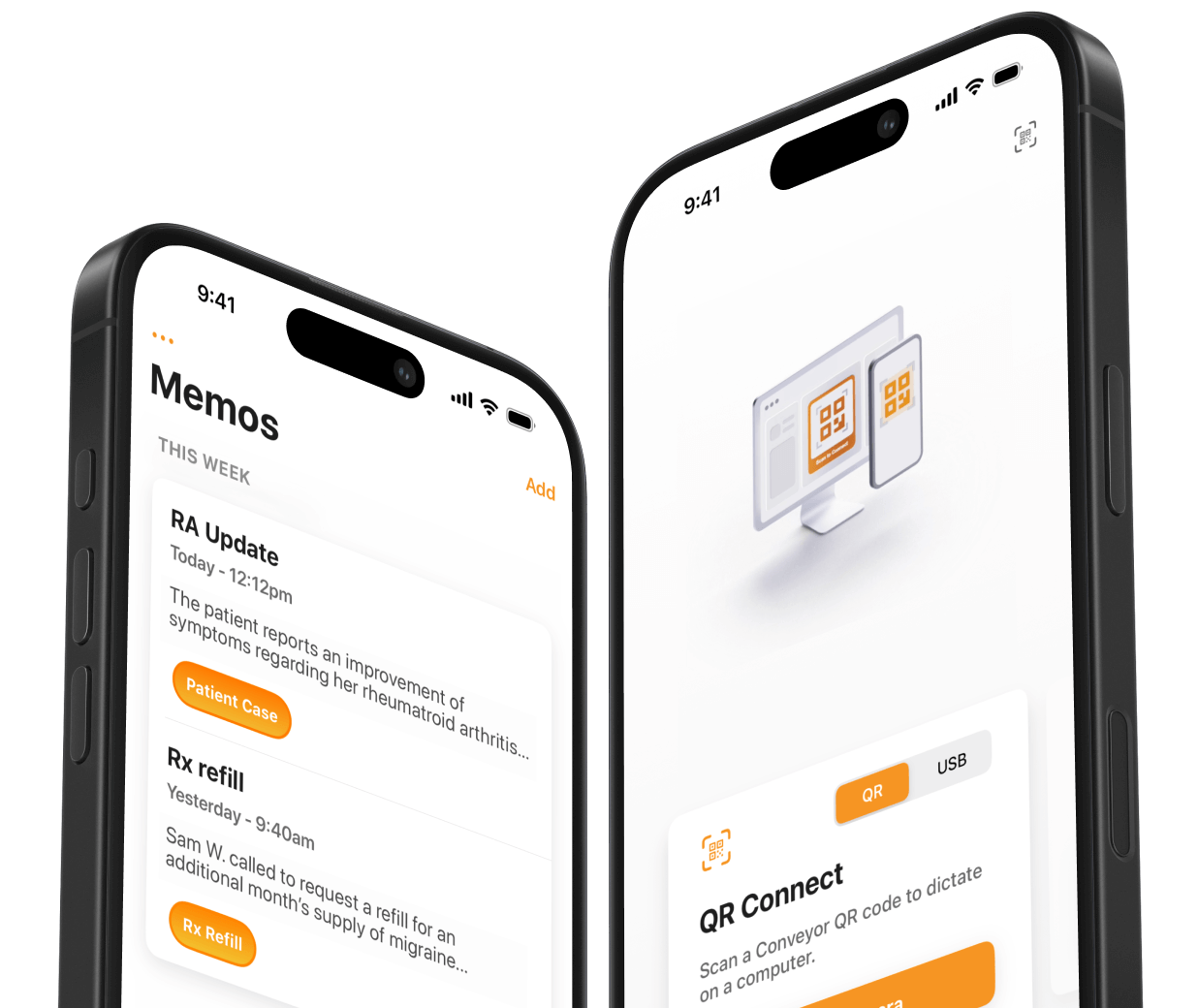
Mobius MD’s Conveyor AI is built for that: it listens during the visit and drafts structured documentation automatically, without changing clinician workflow. And because it supports customizable templates and formatting, those same capabilities can extend naturally into patient-facing letters like work/school excuse notes, return-to-work guidance, and activity restrictions.
What people mean by "AI doctor’s note generator"
The phrase can refer to a few different things:
- Form-based generators
These create a structured doctor note “form” or template and let staff fill in fields, then export and share. Makeform, for example, positions its tool around standardized templates, customization, HIPAA-minded security, multi-format export (like PDF), and integration-readiness. - Clinical documentation AI (scribes)
These generate real documentation from patient encounters (history, assessment, plan) and can also support additional outputs like patient instructions and letters. Mobius MD describes Conveyor AI as listening, structuring, and drafting notes automatically during care, with customizable templates and the ability to send notes into the EMR. - Patient-facing "note" tools (high risk)
Some tools target consumers who want a note without a real visit. That's where things get legally and ethically dangerous fast. A credible clinic workflow should be built around provider-issued documentation, based on an actual encounter and clinician authorization.
Bottom line: In healthcare operations, the best use case isn't "generate me a note out of thin air." It's: reduce time spent producing consistent, accurate, privacy-aware documentation.
Why doctors' notes are harder than they look
A good note has to balance several pressures:
- Speed: patients often need it immediately (work shift, school pickup, travel, etc.).
- Accuracy: dates, restrictions, and statements must match the encounter record.
- Consistency: clinics need standard language across providers and locations.
- Privacy: employers/schools usually don't need diagnosis details.
- Professionalism: formatting, signature blocks, and contact details matter for legitimacy.
When teams are busy, the "quick note" often becomes: copied text from an old letter, manual edits, inconsistent phrasing, and back-and-forth corrections. That's exactly the kind of repetitive work AI can reduce—if it’s implemented safely.
The compliance reality: privacy and "minimum necessary"
If a note is going to a third party (like an employer), privacy and authorization are central.
- HHS notes that an employer can ask you for a doctor's note, but if the employer asks your provider directly, the provider generally can't disclose information without your authorization (unless another law requires it).
- HIPAA guidance also emphasizes limiting disclosures to the minimum necessary protected health information for the purpose.
Practical implications for clinic notes
A work/school note usually only needs:
- confirmation of visit date(s).
- whether the patient may return, and when.
- any functional restrictions (e.g., "no lifting > 10 lbs for 7 days").
- provider/practice contact info.
It usually does not need a diagnosis, medication list, or detailed clinical narrative—unless the patient specifically requests disclosure for a legitimate reason.
This is one of the easiest places for templates (and AI) to improve care quality: standard language that avoids oversharing by default.
What a "good" AI-generated doctor's note includes (clinic checklist)
Instead of a copy-and-paste template (which can be misused), here's a safe checklist for provider-issued notes:
Essentials
- Patient identifiers appropriate for your workflow (often name + DOB or MRN internally).
- Date of evaluation and date the note is written.
- Purpose category: work excuse, school absence, return-to-work, activity restriction, etc.
- Clear time window: excused dates or return date.
- Specific restrictions (functional, time-bound).
- Provider name/credentials and signature method per clinic policy.
- Practice contact details for verification (as appropriate).
Optional (use carefully)
- "Seen in clinic" vs. "treated for" language (avoid unnecessary clinical detail).
- Follow-up requirement (if relevant).
- Workplace accommodation guidance (only as needed and with patient consent).
Quality controls
- Clinician review before release.
- Versioning/logging (who created, who edited, when sent).
- Audit trail for compliance.
Mobius MD's positioning around standardized templates, customization, HIPAA-minded security, export, and integrations maps well to this checklist. The next step is connecting those outputs to the encounter documentation workflow, so staff aren't rebuilding the note from scratch.
Where Conveyor AI fits: from encounter, through documentation, to letters
Mobius MD's Conveyor AI is described as an AI scribe that listens during the encounter, structures content, and drafts notes automatically without changing clinician workflow. It also supports custom templates, letting practices define specific sections, order, inserted text (including disclaimers), and formatting preferences.
That matters for doctors' notes because the fastest note is the one that's already 90% complete the moment the visit ends.
A practical workflow (clinic-friendly)
- Run the encounter normally
Conveyor AI captures the visit and drafts the clinical note in your preferred structure. - Use a "letter" template for common note types
Create templates for:- Work excuse note
- School absence note
- Return-to-work clearance
- Activity restrictions (sports, PT, lifting)
- "Visit verification" letters (minimal detail)
- Pull verified details from the visit
Dates, restrictions, and follow-up guidance align with the assessment/plan—reducing inconsistency. - Clinician review + finalize
AI drafts; clinicians approve. That's the compliance line. - Deliver through your preferred channel
Export/print/attach or copy into the EMR workflow as needed.
Mobius MD also describes Conveyor AI as compatible with every EMR and designed to type notes directly into the chart, and even claims it can help close charts "80% faster." (As always, results depend on workflow and use case.)
Why "built for medicine" matters (security and real-world noise)
General-purpose AI writing tools can produce decent prose, but clinical environments create unique challenges: multiple speakers, background noise, inconsistent connectivity, and the complexity of medical structure.
Mobius MD highlights that Conveyor AI is designed specifically for healthcare environments and is intended to be HIPAA-compliant. The App Store listing for Conveyor also emphasizes templates, custom vocabulary, and time savings compared to manual typing.
For practices, that "medicine-first" focus isn't a nice-to-have—it's what makes AI usable at scale.
Best practices for using AI to generate doctors' notes (without headaches)
1) Make privacy the default
- Use minimal necessary language unless the patient requests more detail.
- Keep diagnosis out of the note unless required and authorized.
2) Standardize your note types
Have 5–10 pre-built templates that cover 95% of requests. Mobius MD’s "standardized templates + customization" model is the right idea—clinics just need it operationalized inside their documentation workflow.
3) Require clinician review and sign-off
AI should draft, not "issue." Your clinic policies should define who can release a note.
4) Add guardrails to prevent misuse
- Clear disclaimers ("Provider-issued documentation based on clinical evaluation…").
- Verification process handled by the clinic—not by editable patient files.
- Audit logs and retention rules aligned with your compliance program.
5) Measure what matters
Track:
- time-to-note delivery.
- revision rates (how often notes need correction).
- patient satisfaction with turnaround.
- clinician after-hours documentation time.
Common pitfalls (and how to avoid them)
- Pitfall: AI outputs “sound right” but aren’t accurate
Fix: force notes to pull from the encounter record and require review. - Pitfall: Over-disclosure
Fix: templates that default to minimum necessary phrasing. - Pitfall: Too many templates
Fix: start with 5 core types; expand only when there’s repeated demand. - Pitfall: Treating the note like a marketing document
Fix: keep it factual, time-bound, and clinically grounded.
FAQs
Is it legal for an employer to ask for a doctor’s note?
In many situations, yes—HHS notes employers can ask you for a doctor's note or health information for things like sick leave or workers' comp.
Can a provider send information directly to an employer?
Generally, if an employer asks your provider directly, the provider can’t disclose your information without your authorization unless another law requires it.
How much medical detail should a work/school note include?
Typically, as little as possible to meet the purpose (visit confirmation, dates, restrictions). HIPAA guidance supports limiting disclosures to the minimum necessary for the purpose.
What’s the difference between an AI form generator and an AI scribe?
Form generators focus on structured templates, exports, and integrations (e.g., PDF sharing, customization). AI scribes generate documentation directly from the encounter, like Conveyor AI, listening and drafting structured notes automatically.
Does Conveyor AI support customization for notes and templates?
Mobius MD states Conveyor AI includes customizable templates where you can add sections, reorder content, insert custom text (including disclaimers), and set formatting preferences.
Related Articles
.png)





Contact us
We proudly offer enterprise-ready solutions for large clinical practices and hospitals.
Whether you’re looking for a universal dictation platform or want to improve the documentation efficiency of your workforce, we’re here to help.